

Most of the systems I build don’t have anyone watching them — that’s the beauty of automation. A subscription sync fires overnight. A webhook lands from Zoom. A HubSpot workflow updates a deal.
Nobody sees any of it happen — which begs the question: if something breaks quietly, how will we know? Left alone, it stays broken until a customer complains or a number doesn’t add up weeks later.
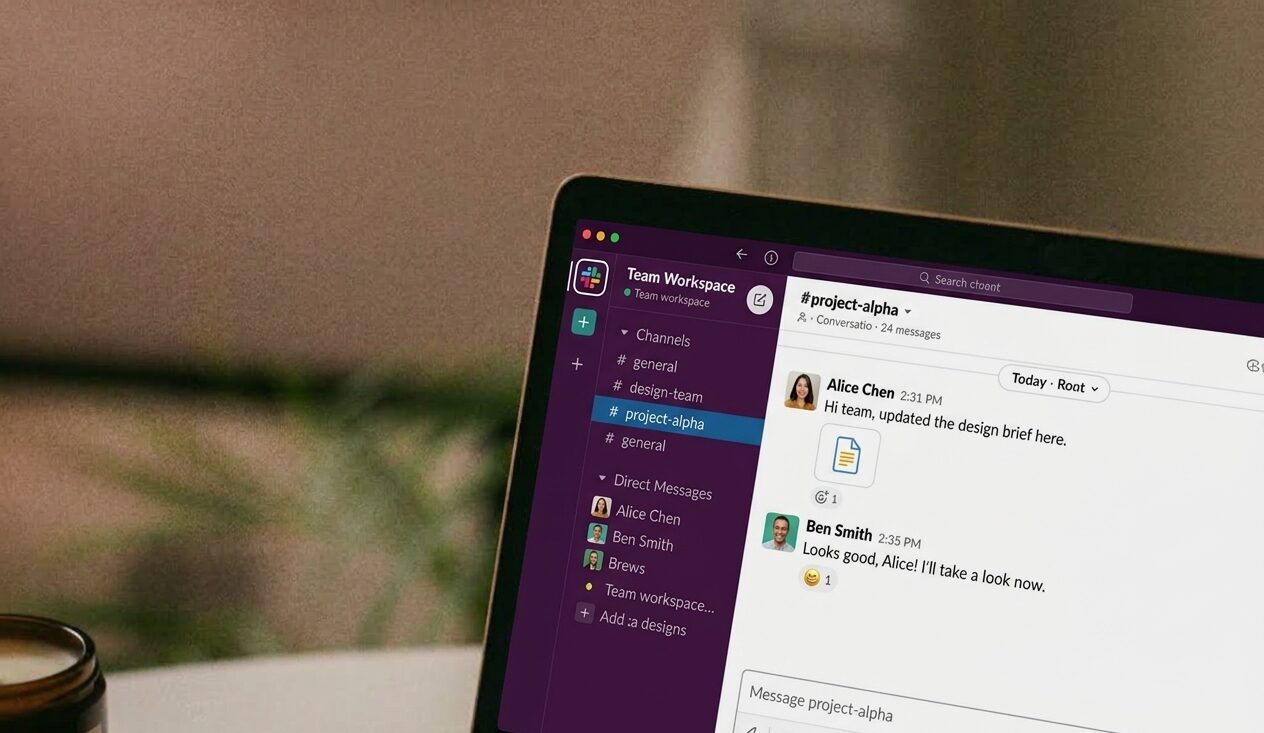
In the Chronicle of Philanthropy’s stack, I’ve used Slack to close this gap.
Slack has work incredibly well when we have a primary stakeholder, the volume is manageable, and the failure is something a person can act on.
Here’s how that played out in five distinct use cases, roughly in order of how much code stood behind each one.
Product Visibility — A turnkey app integration
The simplest case of all needs its own bucket, because it isn’t really “built” so much as switched on. We used Asana‘s native Slack integration to post new and completed tasks from our product ticket project straight into a channel.
The entire organization has access to the channel, which gives transparency into requests. Seeing what’s already been reported means people know when a report is redundant, and they catch issues they might not have noticed otherwise.
Seeing the completed tasks shows them the work we’ve done, and gives them a chance to follow up if needed.
E-commerce Orders and Payments — An iPaaS tool
Problem: A program manager has very little visibility into our job board platform, which has few integration options and a clunky interface. He lives in Slack and needs to see sales and payments as they happen, so he can respond to service issues quickly.
Solution: the platform has a built-in Zapier trigger. We built one zap to post each purchase to a channel with a custom message, giving him the details he needs, and a second zap off Stripe payments to confirm the money came through.
No code, no infrastructure — two native connectors pointed at a channel. When the audience is one non-technical person and the volume is a handful of events a day, that’s the whole solution.
Sales and Invoicing — Native platform automation
Using HubSpot‘s own workflow builder, we post to Slack whenever quotes, deals, or invoices advance to a new stage — so sales and finance see revenue events land in real time without opening HubSpot.
- A quote’s creation signals the team that a deal advanced.
- A quote getting signed shows up as Closed Won next to the deal it closed.
- An invoice’s creation signals that a client was billed.
- An invoice being paid shows up the same way, so finance doesn’t have to go looking for what changed.
That visibility changes behavior on both sides. Sales sees a deal close and can follow up right away instead of waiting for the next pipeline review. Finance sees payments land in the channel as they’re deposited and processed, so a stalled invoice stands out by contrast instead of getting buried in a report someone runs once a week.
Two of the seven workflows skip the channel entirely and DM one person directly — a new line item added to a deal, an invoice getting voided — because those two events need one specific person’s attention immediately, not general team visibility.
Data Sync Integrity — Custom code against a vendor API
The Chronicle of Philanthropy’s WooCommerce subscription records must stay in sync with their fulfillment vendor. Custom code on both sides keeps it that way, talking to each other’s APIs directly. That sync runs in the background — automatically and immediately — so Slack does two jobs at once:
- A live activity feed for new and renewed subscriptions
- A failure alert when the two systems drift apart
It’s surprisingly simple to send a Slack message in WordPress code:
// Sending a Slack message in WordPress is as easy as this:

$response = wp_remote_post( 'https://hooks.slack.com/services/XXXX/XXXX', [
		'method'    => 'POST',
		'headers'   => [ 'Content-Type' => 'application/json' ],
		'body'      => json_encode(
				[ 'text' => $message, ]
 		),
		'timeout'   => 10,
]);
To retrieve a hooks.slack.com URL, you’ll need to set up an incoming webhook in your Slack workspace via a Slack app.
Every Slack alert from our WordPress sent from the same helper function that writes to the real system of record: a WooCommerce log entry with far more detail than the Slack message shows. Slack mirrors that log; it’s never the only place a failure exists.
That way, we can address issues before customers notice them, and catch systemic problems before they get out of hand.
Event Registrations — Custom code against a webhook API
Zoom Events is a leading platform for virtual and hybrid events, but it creates a confusing experience when a customer subscribes on our website and then pays for event tickets on a completely separate platform. It also ties our marketing team’s hands when they want to run offers or promotions.
To solve this, a Cloudflare Worker listens for Zoom Events webhooks and creates a matching WooCommerce order for each one — so customers see every purchase, from either platform, in one place.
Nobody watches this happen either, so the Worker treats Slack and its own error logging as two separate streams: business events a person can act on go to Slack; developer errors — a failed Slack post itself — go to Cloudflare’s observability instead.
When something fails in a way that’s expected — a ticket type with no matching WooCommerce product, say — the Slack message tells the team something needs attention, and the log line next to it gives the exact command to fix it. Same failure, two audiences, two levels of detail.
What held across all five
Five very different amounts of engineering — a Slack app integration, two Zaps, a HubSpot workflow, a WordPress plugin, a serverless webhook handler — but the same handful of decisions kept showing up:
- Any automation needs a monitor. When they work, simple solutions can provide needed transparency. But even simple automations can fail and cause problems.
- Separate the business signal from the developer noise. The two streams have different audiences and different retention needs; combining them buries the one that matters to a non-technical reader.
- Notify before the risky step when you can, not only after. A failure that produces a message is recoverable. A failure that produces silence isn’t found until someone else notices.
- Watch failure and volume, not just success. A working notification can still become a liability at scale.
- The alert path needs to survive its own failure. A monitoring channel that can’t report its own outage isn’t really monitoring anything.
None of this requires much code most of the time. What it requires is treating “does anyone know this broke” as a real requirement — the same discipline whether the fix is two Zaps or a Worker.