

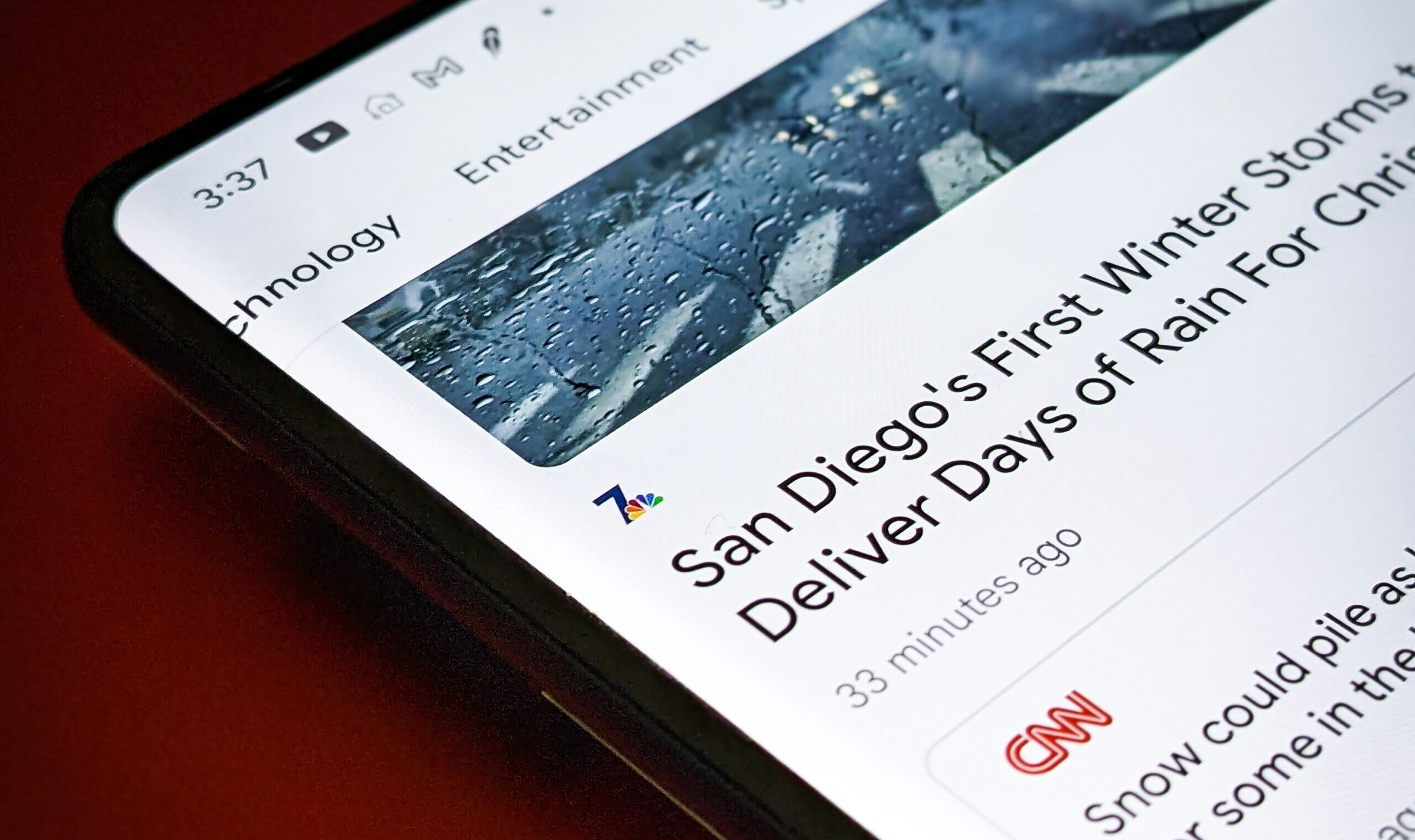
I received this SEO question shortly after starting at the Chronicle of Philanthropy: “How can I change the headline without hurting the SEO?”
Editors often hesitate here because they’ve heard that touching a published headline will “break the SEO.” Updating the headline is almost never the problem. The real risk is changing the URL.
My feelings toward changing headlines are the opposite: Changes often offer better user experience. Here’s a headline that made perfect sense the day it ran:
Breaking: Just-Passed Tax Measure Will Add New Money Woes to a Reeling Sector
A week later, nothing about it is “breaking” and the measure isn’t “just-passed.” The story is still useful, and it may keep drawing search traffic for months, but the headline breaks users’ trust when they find out it’s old. It should change:
Tax Measure Will Add New Money Woes to a Reeling Nonprofit Sector
Most newsroom CMSes, including WordPress and Brightspot, don’t change the URL when you edit a published story’s headline. So the headline edit itself is safe.
The headline and the URL are separate things
The “headline” is often in more places that the heading of a web page. It usually shows up in three places in a page’s code:
<h1>: the headline on the page itself<title>: what search engines usually show as the blue link in resultsog:title: what social platforms and messaging apps show in link previews
Many CMSes let you set these separately, and editors can change any of them after publishing. Search engines will simply pick up the new text the next time they crawl the page.
The URL is different. It’s the page’s address, and search engines use it to identify the page. Ranking history, inbound links from other sites and social shares all point at that exact address. Change the text on the page and the address stays the same. Change the address and, as far as Google knows, you’ve created a new page.
If you’re interesting in upping your SEO game, make sure to visit WTF is SEO? at seoforjournalism.com. They are far more on top of the changing landscape than I.
Where it goes wrong: The slug
The trouble starts because the default URL slug is usually generated from the original headline:
https://www.example.com/article/breaking-just-passed-tax-measure-will-add-new-money-woes-to-a-reeling-sectorThat slug now says “breaking” and “just-passed” forever. But that’s mostly cosmetic. Most apps now show a preview card with the current headline, search results mostly show a breadcrumb instead of the full URL, and Google treats keywords in a URL as a very lightweight ranking signal.
But when a link is pasted into an email, document or chat without a preview, recipients may “read” a story’s title through its URL. Desktop users will see it in their browser window; some may copy/paste it. When it differs from the headline, it could cause confusion.
Still, a stale slug costs very little. A broken URL costs a lot.
If someone edits the slug without redirecting the old one, three things happen:
- The old URL returns a 404. Anyone following an old link, from a newsletter, social post or another site, hits a dead end.
- Search engines treat the new URL as a brand-new page. Its ranking starts over.
- Inbound links that pointed to the old URL stop passing any value to the story.
That’s the damage people are worried about. It comes from losing the old address, not from rewording the headline.
How to change it safely
Write the slug for the long run
The best URL change is the one you never have to make. When a story first publishes, write the slug so it will still make sense after the news cycle moves on. Strip out the timely words, keep the nouns and the main keywords, and keep it short:
https://www.example.com/article/tax-measure-adds-new-woes-to-sectorShort, lowercase, no filler words like “the” or “and,” no dates or quotes. A slug like that can outlive several headline revisions.
Leave the slug alone by default
A dated slug is not a reason to change it. If the slug says “breaking” but the headline no longer does, leave it. Change the slug only when it’s wrong, not just stale: a factual error, a misspelled or misidentified name, or a legal or sensitive issue.
If the URL must change, redirect the old one
When the slug does need to go, the old URL can never disappear. Keep it in the system and set it to permanently redirect (a 301) to the new one. Readers following old links land on the story, and search engines transfer the page’s history to the new address.
WordPress is a good example of why the details matter. Once a post is published, editing its title doesn’t change its slug. If you edit the slug of a published post, WordPress saves the old one and redirects visitors to the new URL.
Know how your CMS handles redirects
Every CMS handles URLs and redirects differently, and the time to learn yours is before a correction is on deadline. Find out:
- Does the URL change when the headline changes? In most systems it doesn’t once a story is published, but check drafts too.
- Can editors add a redirect themselves? Is it on the story itself, like Brightspot, or in a separate redirect manager?
- Does the CMS create redirects automatically when a slug changes? For which content types?
- Who owns redirects when something breaks? Usually a developer or the CMS vendor. Know who to ask.
The WordPress automatic redirect only covers posts and other non-hierarchical content types, not Pages, and SEO or redirect plugins (Redirection, Yoast SEO or All-in-One SEO) can change the behavior. Whatever your system, test the old link after every change.
In Brightspot, it takes about a minute to create a redirection:
- Open the story in the Brightspot admin and find the URLs section in the right column.
- Click Add under the existing URL and enter the new slug.
- On the old URL, change the dropdown from Permalink to Redirect (Permanent).
- Publish.
The editor’s checklist
Before you change a published headline:
- Change the headline freely. Update the
<h1>, SEO title and social title as needed. None of these alter the URL. - Look at the slug. Leave it alone unless it’s wrong, not just dated.
- If the slug has to change, add a new URL. Don’t edit the old one. Then set the old one to a permanent redirect.
- Test the old link. Paste it into a browser and confirm it lands on the story.
- Next time, write a durable slug at publish time so you rarely need steps 3 and 4.
Rewrite the headline for search, too
While you’re updating the headline, use the chance to sharpen it.
- Aim for about 70 characters and no more than 80, since search results truncate long titles.
- Put the most important keywords up front so the meaning survives if it gets cut off.
- If you have time, check Google Trends or Search Console to see what terms readers are actually using for the topic.
The takeaway
A headline is a promise to the reader about what’s in the story, and it should stay accurate as long as the story stays live. Most search advice comes back to the same idea: do what’s right for the reader. Update the headline whenever it helps them, leave the URL alone unless it’s wrong, and redirect whenever you change it.